Remo tv is finally starting to return after a long break, and the new update is now available to download. If you use Android TV, Google TV, a TV box, or even a phone, the installation process is simple once you have the correct Downloader code and know which version to choose.
This updated version of Remo tv includes a mix of sports channels, Arabic channels, and some entertainment content as well. Not every server is fully active yet, but the app is gradually coming back and more servers are being added step by step.
Table of Contents
- 📺 What Remo tv Offers
- ⬇️ How to Download Remo tv Using Downloader
- 📱 Choosing the Right Version of Remo tv
- 💾 App Size and Activation Code
- ⚠️ Important Note About the Current Remo tv Update
- 🛠️ Quick Remo tv Setup Summary
- ❓ FAQ
- ✅ Final Notes
📺 What Remo tv Offers
The main appeal of Remo tv is that it brings together several types of channels in one place. Based on the current release, the app includes:
- Sports channels
- Arabic channels
- Entertainment channels
- Additional mixed channels
The important thing to keep in mind with this comeback version is that the app is still returning gradually. That means some servers may not work yet, but the service is being restored over time.
⬇️ How to Download Remo tv Using Downloader
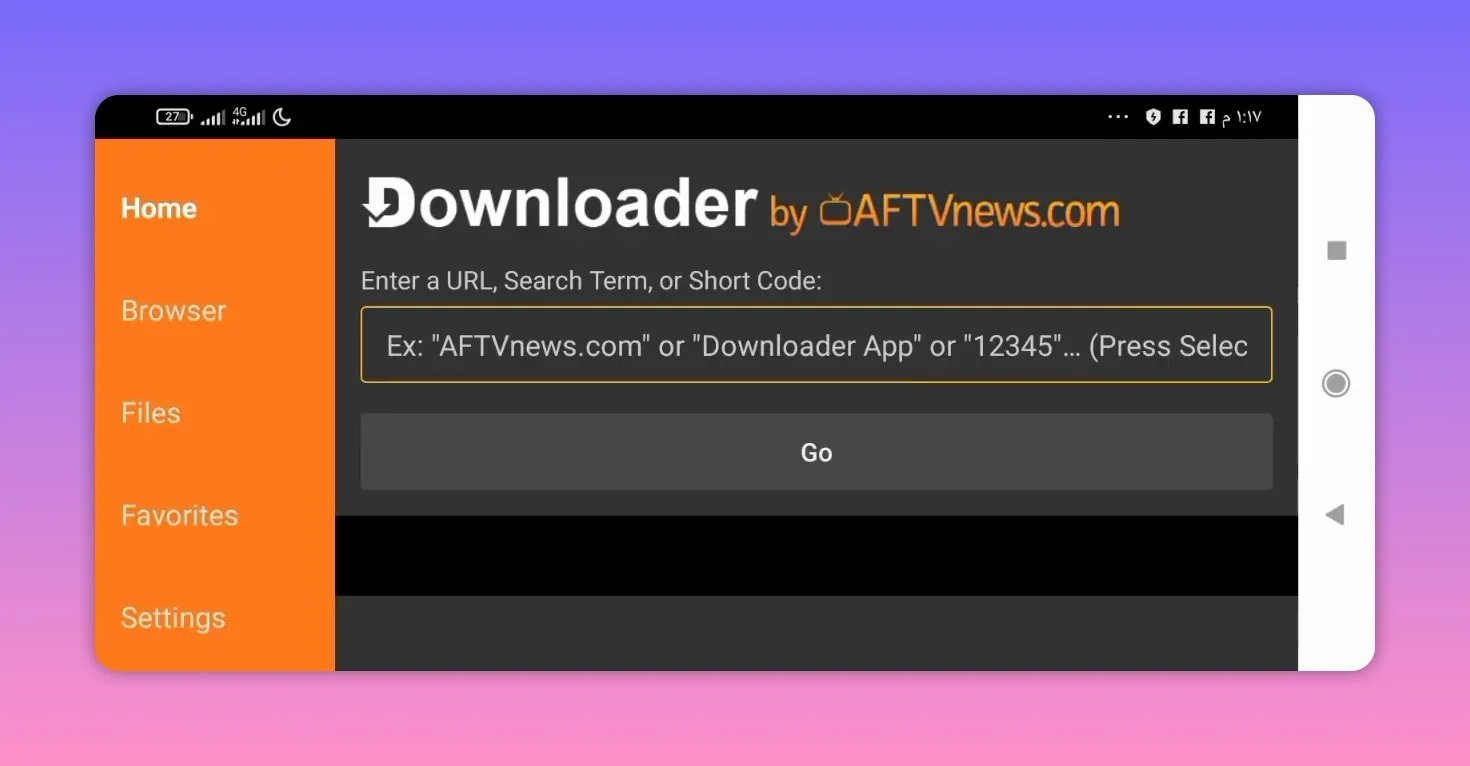
To install Remo tv, use the Downloader app. This method works whether you are installing from a phone or directly from an Android TV screen.
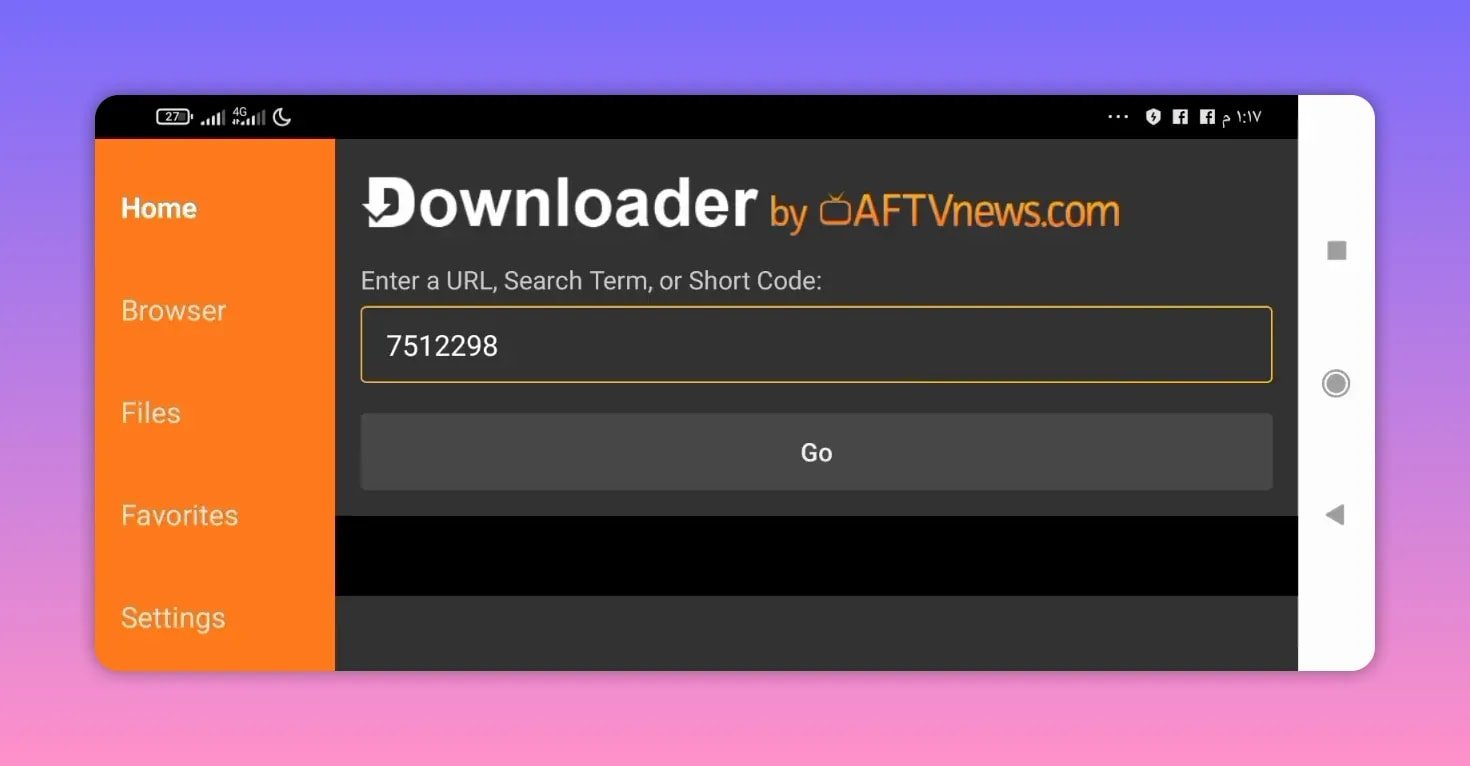
The Downloader code for the latest version is:
7512298
Enter the code carefully, then continue to the next step.
Step-by-step installation
- Open the Downloader app.
- Enter the code 7512298.
- Confirm and proceed.
- Wait about five seconds.
- You will be redirected to the app owner’s website.
From there, the site gives you two download choices depending on your device.
📱 Choosing the Right Version of Remo tv
Once the page opens, scroll down and you will find two options:
- Download for phones
- Download for screens
If you are using a TV box, Android TV, Google TV, or any Android-based television, choose the screen version.
If you are installing on a mobile device, choose the phone version.
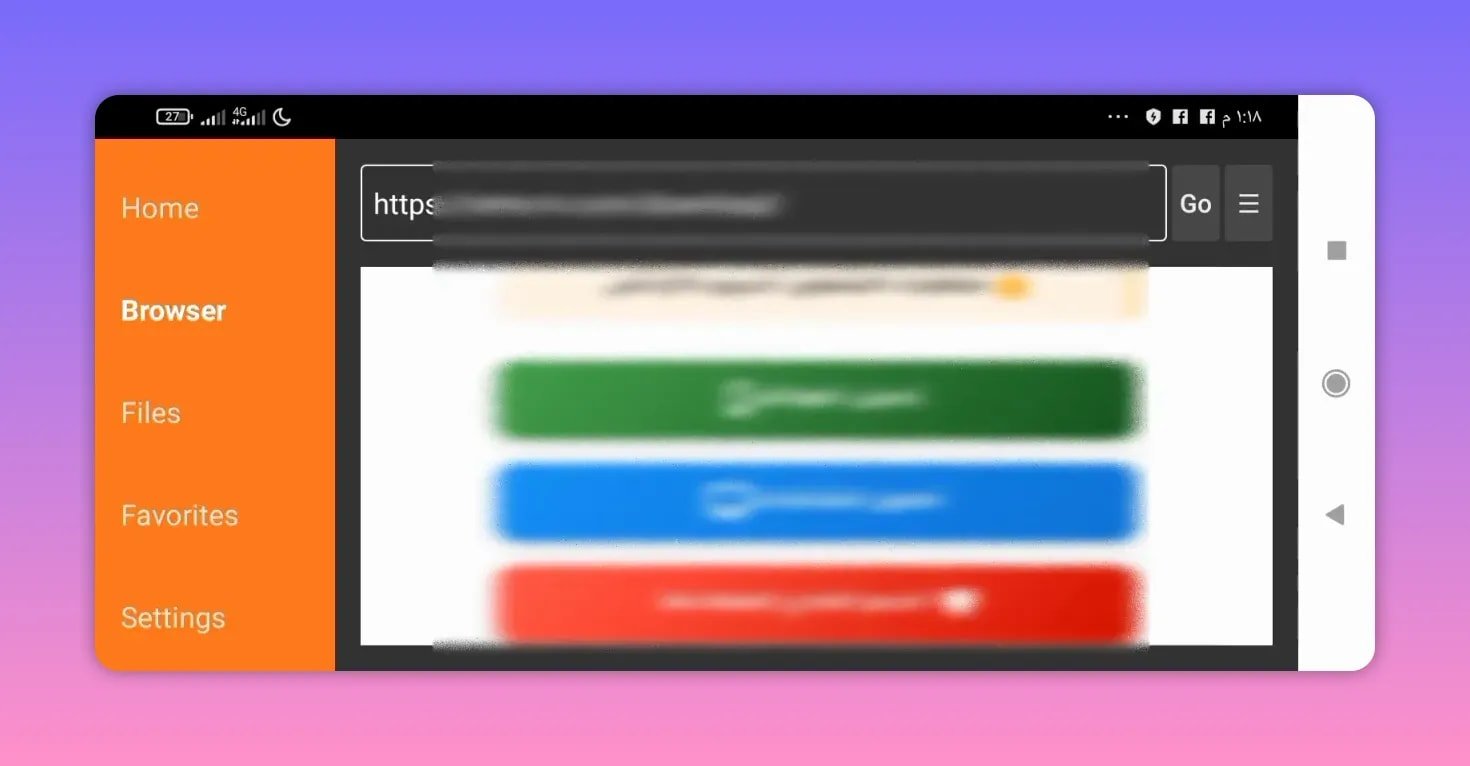
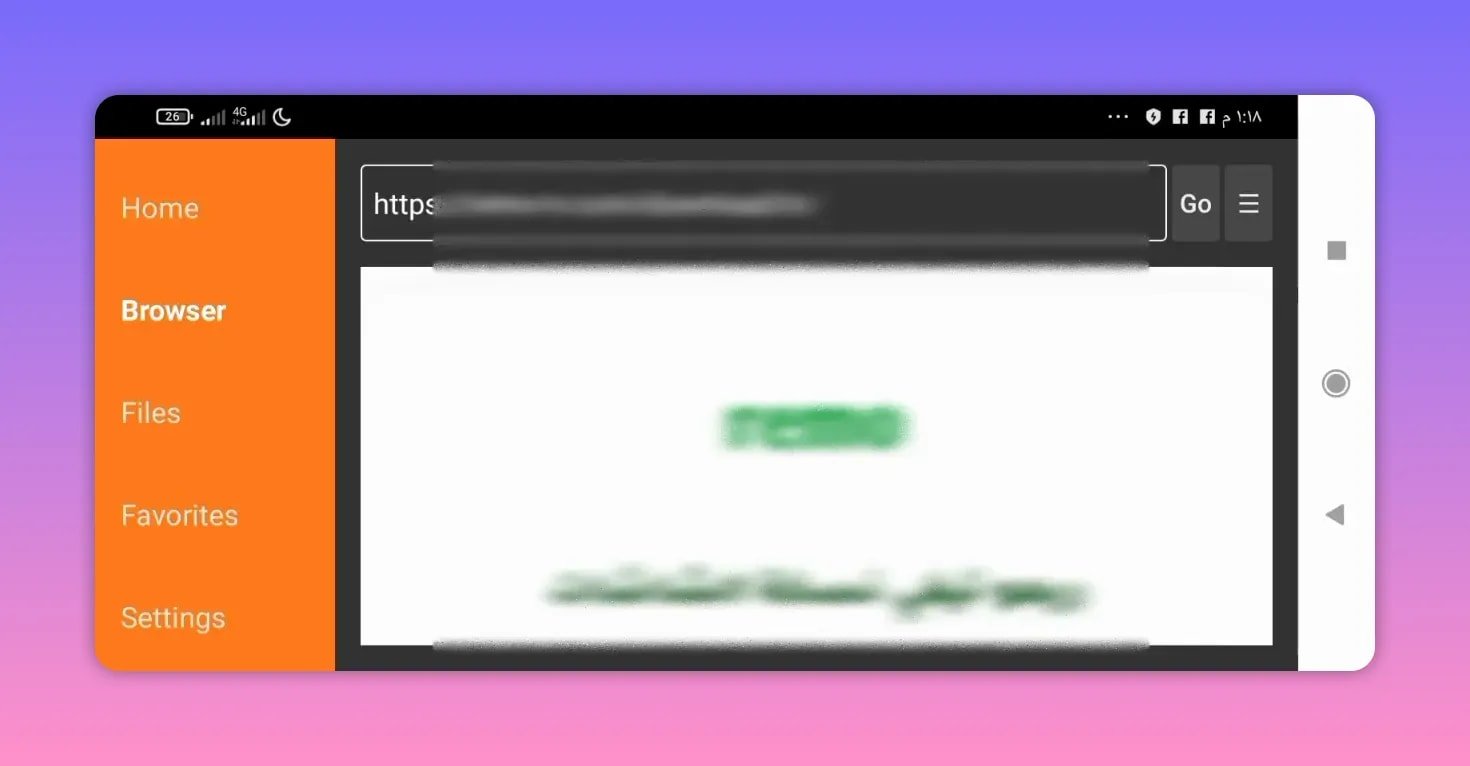
After selecting the correct option, you will be taken to another page. Scroll down again and press Download to start the installation file.
💾 App Size and Activation Code
The current Remo tv app size is approximately 23 MB, so it is relatively lightweight and should not take long to download on most connections.
After installing the app, use the following activation code:
5050
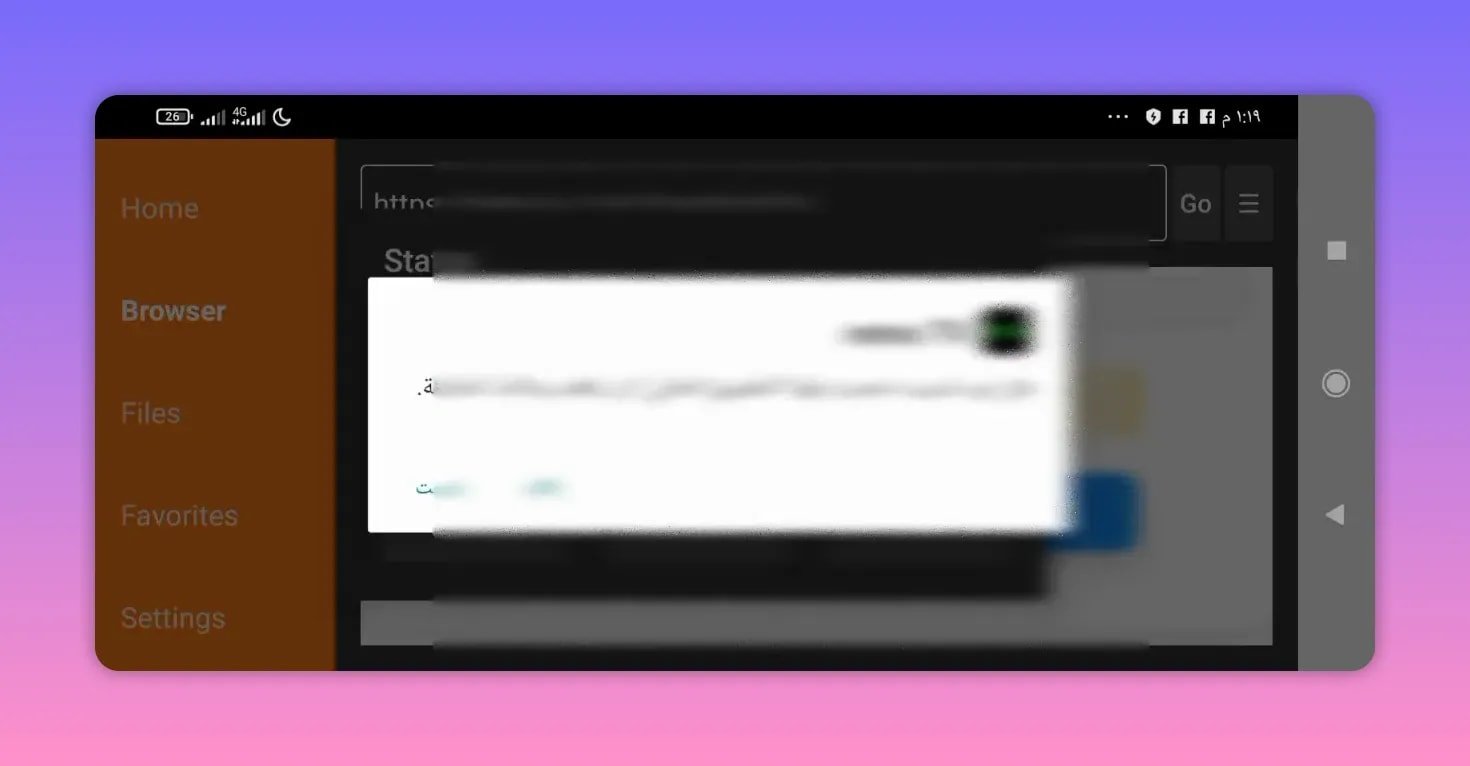
If the app installs correctly but some content does not load immediately, that likely relates to the gradual return of the service rather than the installation itself.
⚠️ Important Note About the Current Remo tv Update
This new release of Remo tv is working as part of a gradual comeback. That is the key detail to remember.
In practical terms, this means:
- Not all servers are active right now
- The app is being restored progressively
- More servers are expected to be added over time
So if one section works better than another, that is normal for the current stage of the app’s return.
🛠️ Quick Remo tv Setup Summary
For convenience, here is the full setup information in one place:
- App name: Remo tv
- Downloader code: 7512298
- Activation code: 5050
- App size: About 23 MB
- Device support: Phones and Android TV screens
❓ FAQ
What is the Downloader code for Remo tv?
The Downloader code for the latest Remo tv version is 7512298.
What is the activation code for Remo tv?
The activation code is 5050.
Can I install Remo tv on Android TV and Google TV?
Yes. Remo tv offers a version for screens, which is intended for Android TV devices, TV boxes, and similar smart TV setups.
Is there also a phone version of Remo tv?
Yes. On the download page, there are two separate options: one for phones and one for screens.
Why are some servers not working in Remo tv?
Because the app is returning gradually. Not all servers are active yet, and more are being added over time.
How large is the Remo tv app?
The current app size is about 23 MB.
✅ Final Notes
If you have been waiting for Remo tv to return, this new update is the version to start with. The setup is straightforward: enter the Downloader code, choose the right version for your device, download the file, and activate it with the provided code.
Even though the app is still coming back gradually, the process for getting the new Remo tv version installed is already clear and easy to follow.